Deliver more.
Drive less.
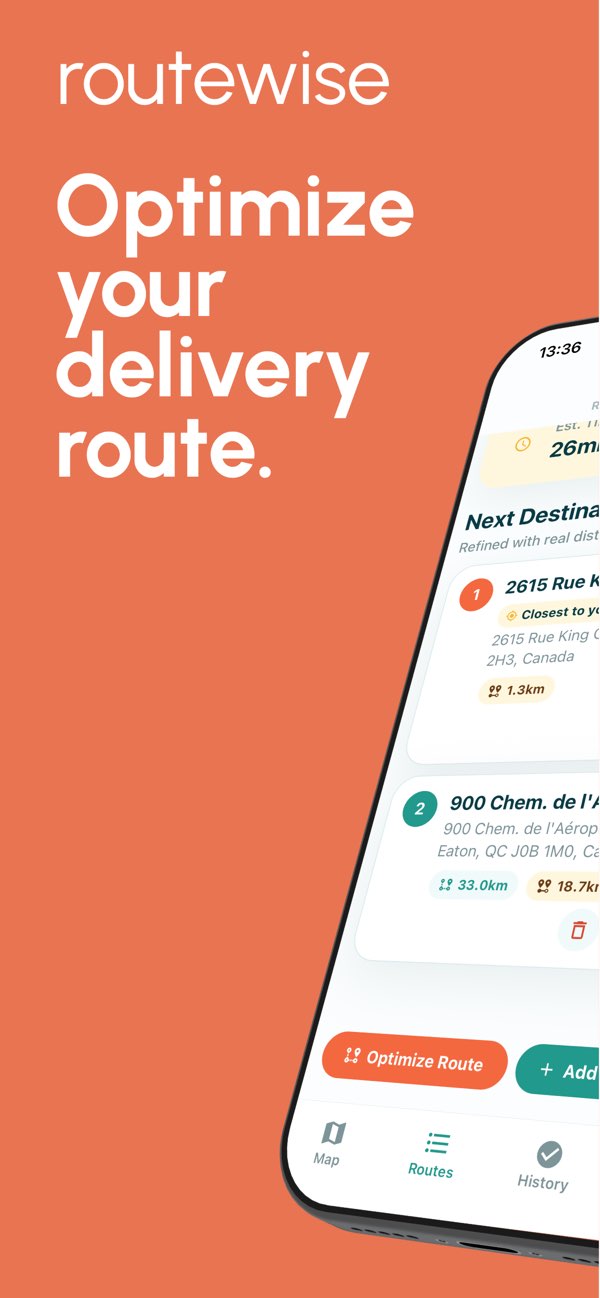
RouteWise optimizes your routes automatically and imports stops from a CSV file, text, photos, or camera so you can review them before starting deliveries.
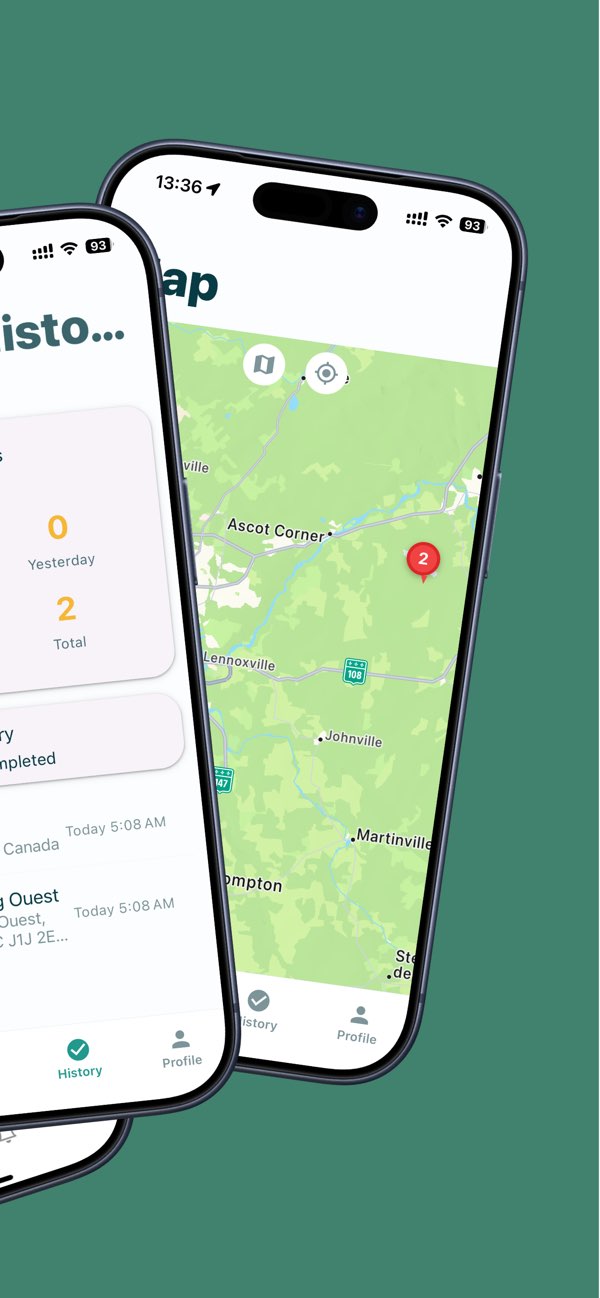
Everything you need to deliver better
Route optimization stays at the center of the app, now with list importing and review to build stops faster.
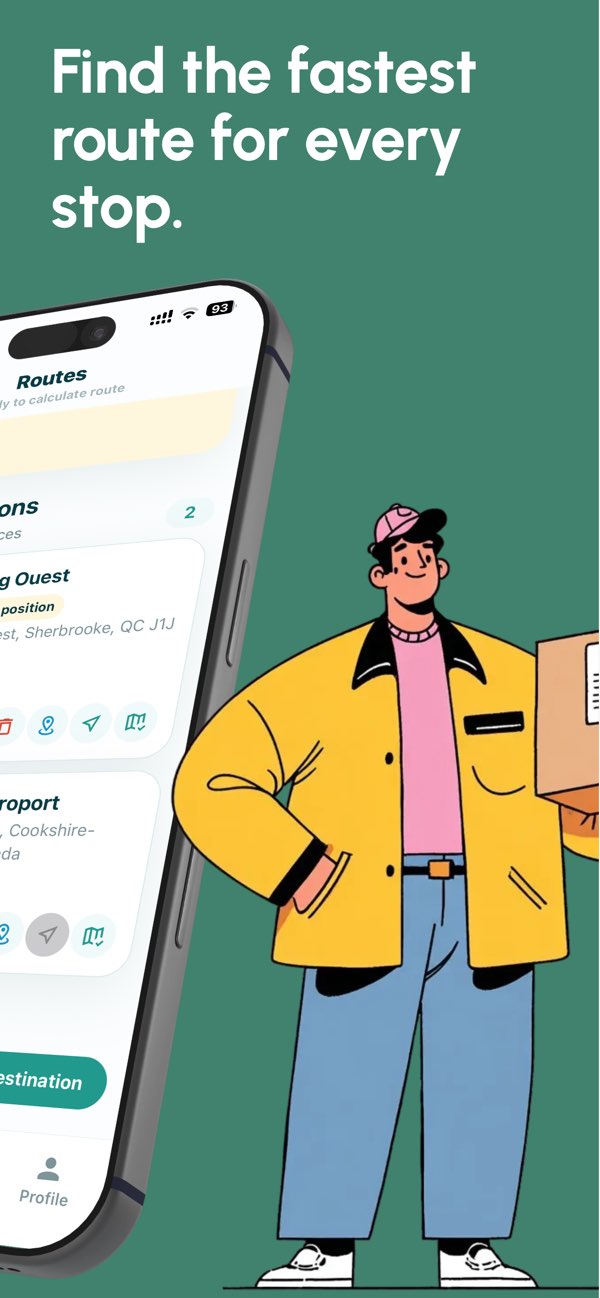
Instant optimization
Add your stops and RouteWise calculates an efficient route to reduce time, distance, and rework.
Import files
Send a CSV file (exported from Excel or Google Sheets) or text with addresses. The app understands lists with or without headers and prepares items for review.
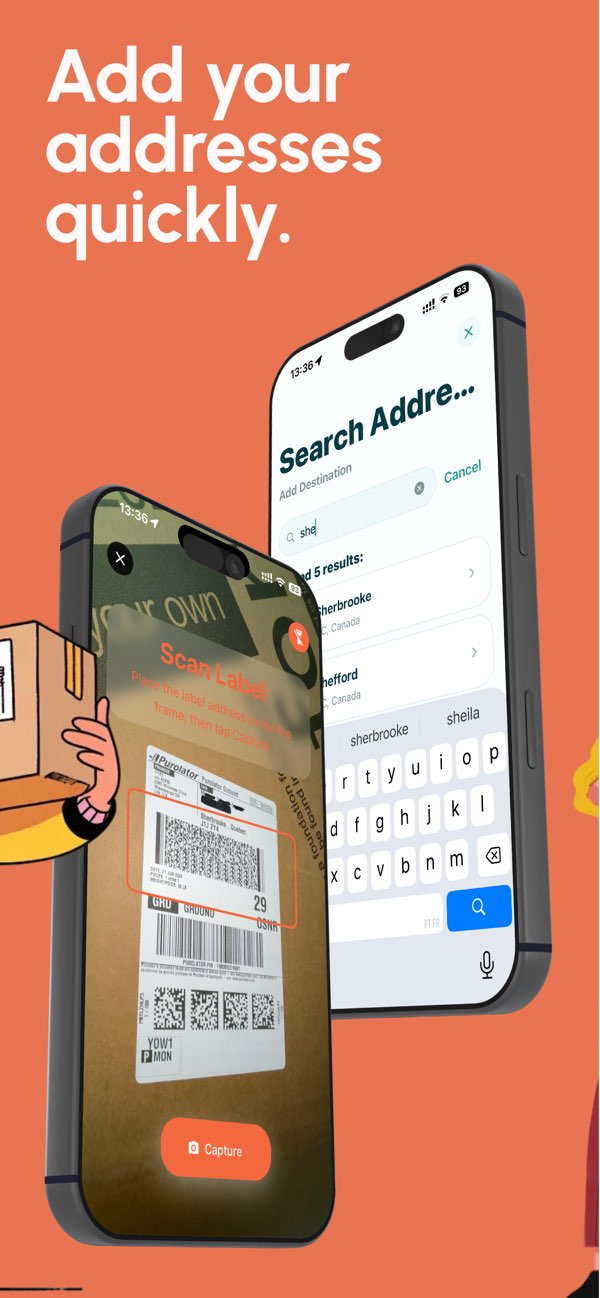
Photo or camera with AI
Select a photo or capture a list, manifest, or document. AI extracts multiple addresses into a single preview.
Preview before saving
Review each item, choose what enters the route, and fix low-confidence addresses without blocking the whole batch.
Address suggestions
Each valid address receives Google Places suggestions to help pick the right location before fetching details.
GPS integration
Open your route in Google Maps, Waze, or Apple Maps and use the navigation app you already know.
Start in 3 simple steps
No complicated setup. Download the app and start using it.
Import addresses
Use a CSV file, text, photo, camera, or manual entry.
Review the preview
Choose the right suggestions, ignore duplicates, and confirm only what is ready.
Optimize and navigate
Save stops in the app, calculate the route, and navigate with your favorite GPS.